
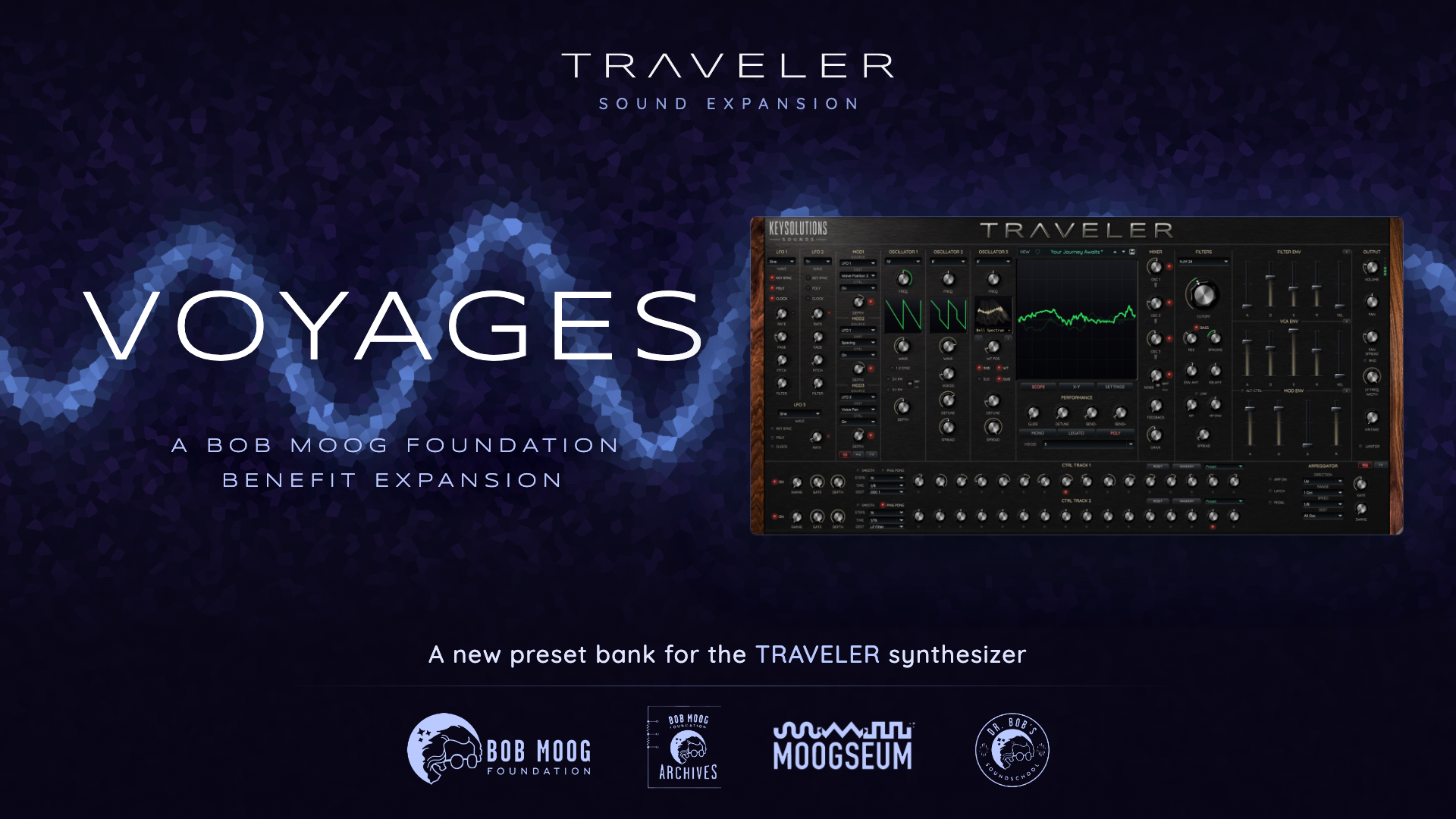
VOYAGES: A DESTINATION WITH A PURPOSE
A Bob Moog Foundation benefit expansion for the Traveler synthesizer.
100% of proceeds from Voyages benefit the Bob Moog Foundation, supporting its education programs, archive preservation, and operation of the Moogseum in Asheville, North Carolina.
NEW SOUNDS BY EIGHT CREATIVE VOICES
Voyages expands Traveler with 215 presets created by eight contributors, bringing their individual approaches to one collection. From pads, leads, and basses to arpeggios, sequences, plucks, keys, and sound effects, there are new directions to explore. Explore the bank, find a starting point, and make it your own.
Sound designers: David Mash · Erik Norlander · Francis Prève · James Dyson · James Terris · Jeff Rona · Mike Martin · Scott McAuley
All eight contributors donated their time and talent to support the Bob Moog Foundation and celebrate Bob Moog’s enduring influence on synthesis.
HEAR VOYAGES
THE BOB MOOG FOUNDATION
The Bob Moog Foundation inspires people of all ages through the intersection of science, music, technology, and innovation. Its three hallmark projects are Dr. Bob’s SoundSchool, the Bob Moog Foundation Archives, and the Moogseum in downtown Asheville.
Explore the Bob Moog Foundation →
“The Bob Moog Foundation is deeply grateful to KeySolutions Sounds and the entire talented team that contributed to this soundbank.”
— Michelle Moog-Koussa, Executive Director, Bob Moog Foundation
MADE FOR TRAVELER
Voyages is an expansion bank for Traveler (v1.2.2 and above). It is not a standalone instrument.
Requires Traveler 1.2.2 and above.
How do I activate Voyages if I activated Traveler offline?
With Traveler 1.2.3 or later, you can refresh expansion bank purchases on a computer with an offline activation. Install the Voyages bank on your music computer, then open Traveler’s preset browser and choose Refresh Purchases.
If your music computer can connect to the internet, choose Update on this computer. Connect to the internet, sign in to your KeySolutions account in the browser, and save the updated license to Downloads. Return to Traveler. It finds and verifies the license automatically.
If your music computer stays offline, choose Save machine file for another computer. Transfer the machine file to a connected computer. Sign in with the account that owns Traveler and Voyages and upload the machine file to the KeySolutions customer portal. Download the updated license and transfer it back to your music computer. In Traveler, choose Import downloaded license and select the file.
Traveler confirms when your installed expansion banks are ready to play offline. Choose Done to return to the preset browser.